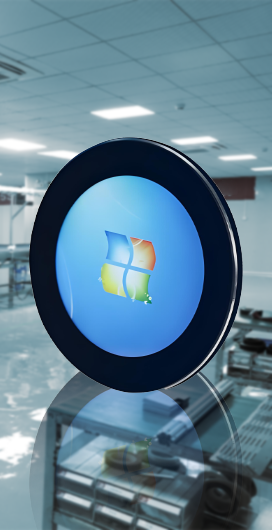
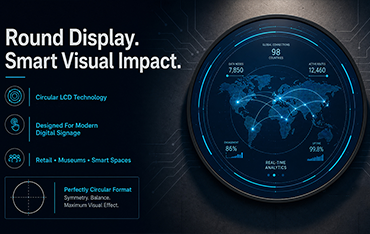
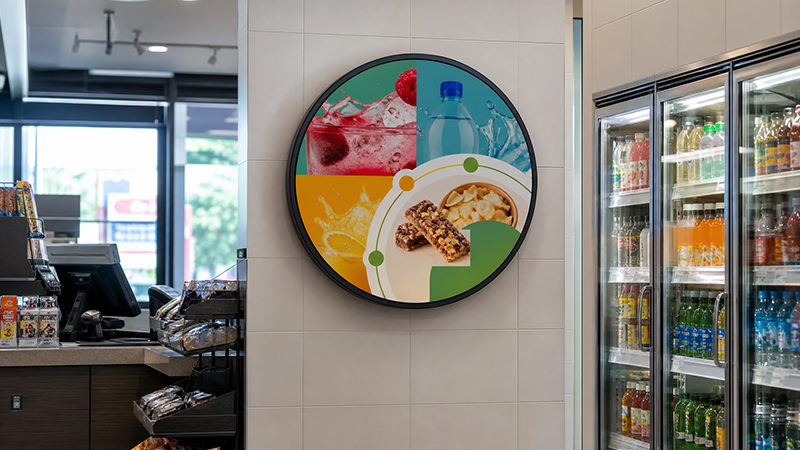
A round LCD display can look convincing in a rendering and still fail during integration. The circular image may crop a logo, the wall opening may follow the visible diameter rather than the finished enclosure, or the selected player may not output the native square timing. These are not cosmetic problems. They surface after content, metalwork and wiring have already consumed time and budget.
This guide treats a large-format round LCD display as a complete commercial system. Circular content, mechanical fit, optical performance, playback architecture and service access must be planned together.
The scope is commercial round digital signage for retail, galleries, entertainment venues, hotels and branded interiors—not the small embedded TFT modules used in watches, thermostats or control knobs.
Start With The Commercial Objective, Not The Circular Shape
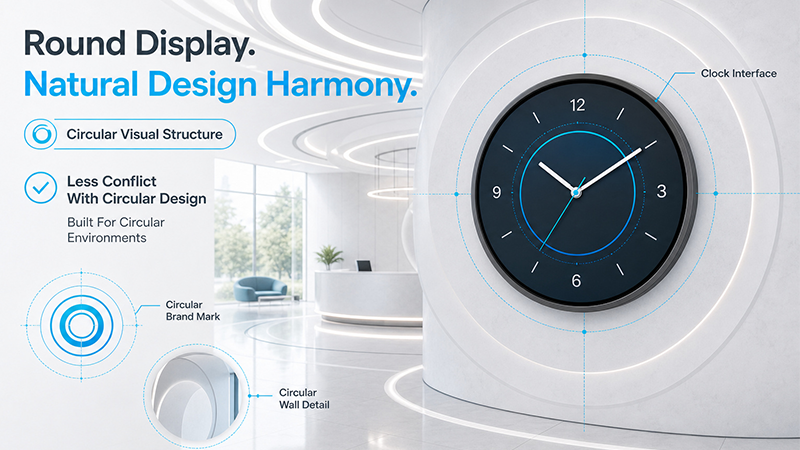
A circular display earns its place when the content or architecture already has a strong center: a radial animation, clock-like interface, circular brand mark, product hero image or sculptural wall feature. In those cases, the format reduces the visual conflict between a rectangular screen and a round design language. The shape supports the message instead of competing with it.
The same screen is a poor choice for long menu lists, wide maps, subtitles or standard landscape video. Those formats either waste the circular edge area or force text and imagery into a smaller central rectangle. A commercial round LCD display should therefore be specified for a defined communication task, not because it appears more unusual than a conventional screen.
Applications That Match a 23.6-Inch Commercial Round Display
Useful scenarios include retail feature walls, gallery interpretation, museum exhibits, casino and entertainment interiors, hotel lobbies, exhibitions and branded installations.
The common factor is not industry; it is the need for a strong visual focal point with concise content. If the message cannot be understood with a limited number of words and a clear central composition, the format should be challenged before procurement.
Understand the Circular Active Area and the Square Pixel Canvas
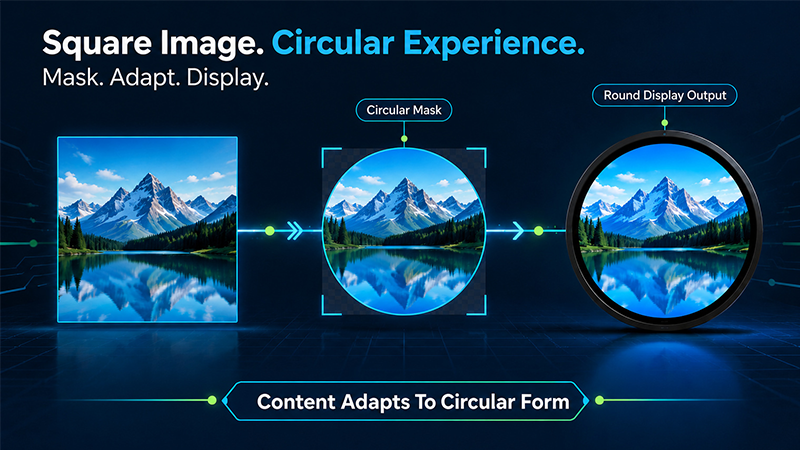
A circular LCD display still uses horizontal and vertical pixel coordinates. The working file is typically a square pixel canvas, while the visible image is constrained by a circular active area inside that coordinate system.
A designer who treats all four corners as usable space will lose content when the file is shown on the final round lcd screen. The exact native pixel dimensions must come from the selected model specification.
This distinction changes the content workflow. The team should build on a native square canvas, apply an accurate circular mask and evaluate the result as a circle.
Background motion and decorative graphics may approach the perimeter. Logos, prices, instructions, faces and calls to action should remain in a central approved zone. This is the foundation of round LCD display content design.
What Is A Circular Display Safe Area?
A circular display safe area is not a universal percentage copied from a template. It is the zone proven to keep critical information visible after the actual mask, enclosure and playback chain are applied.
The safest method is to create edge guides from the approved screen geometry, place real content inside them, and review the result on the target hardware.
Active Diameter, Overall Size and Wall Opening Are Different
Four measurements are often collapsed into one number: the advertised diagonal, the active display area, the finished enclosure and the installation opening.
They serve different teams. Content designers care about the active area. Mechanical designers need the enclosure and mounting points. Installers need the opening, depth, cable space and removal path.
Treating one dimension as a substitute for the others is a common cause of rework.
Early planning may use a nominal screen size, but fabrication should never begin from that number. The model-specific specification and 2D drawing must control the active area, enclosure diameter, depth, mounting points, connector positions and power entry.
Before cutting a wall panel or releasing metalwork, confirm what each dimension describes and which tolerances belong to the display, bracket and installation opening.
A round lcd display wall opening also needs depth behind the visible surface. Add the connector body, cable bending radius, power-supply position, airflow and a practical route for removing the display. A flush installation that cannot be serviced without damaging the decorative finish is not a finished design.
Installation Questions to Answer Before Fabrication
1.Is the display surface-mounted, recessed or integrated into custom furniture?
2.Where are the power and data connectors, and can they be reached after installation?
3.Is maintenance from the front or rear?
4.What ventilation path is available during the planned daily runtime?
5.How will the unit be removed without damaging the wall or decorative frame?
Evaluate Brightness As Part Of The Complete Optical System
A high brightness round LCD display can improve visibility, but the nit value alone does not predict what a visitor will see. Ambient light direction, spotlights, window reflections, cover-glass reflectance, background color and text contrast all shape perceived readability.
A bright panel behind reflective glass can still be difficult to read, while a well-controlled indoor installation may not need the highest available setting.
Evaluate the panel, glass, content and local lighting as one optical system. Use the final or representative cover glass in the sample, display both light and dark content, and reproduce the expected installation lighting.
If spotlights can be redirected or the mounting angle adjusted, those changes may improve readability more effectively than purchasing additional luminance.
High Brightness Does Not Automatically Mean Outdoor-Ready
Outdoor readiness also depends on enclosure sealing, drainage, UV exposure, thermal design, condensation control, corrosion resistance and verified environmental testing.
Do not convert a high-brightness specification into an outdoor claim unless the complete configuration has the required protection and evidence. Brightness describes light output; it does not describe weather protection.
Plan Touch And Circular Interaction Together
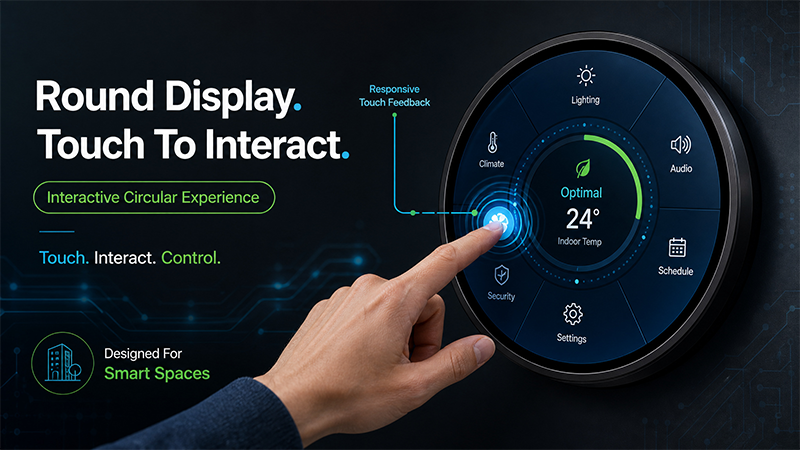
Touch is an optional system decision, not a last-minute accessory. A round LCD display with touch screen changes the glass stack, controller, USB routing, printed border, bonding method and software testing.
It can also change the installation depth. These items should be included in the approved sample rather than added after the enclosure is finalized.
Heat Dissipation Design Planning
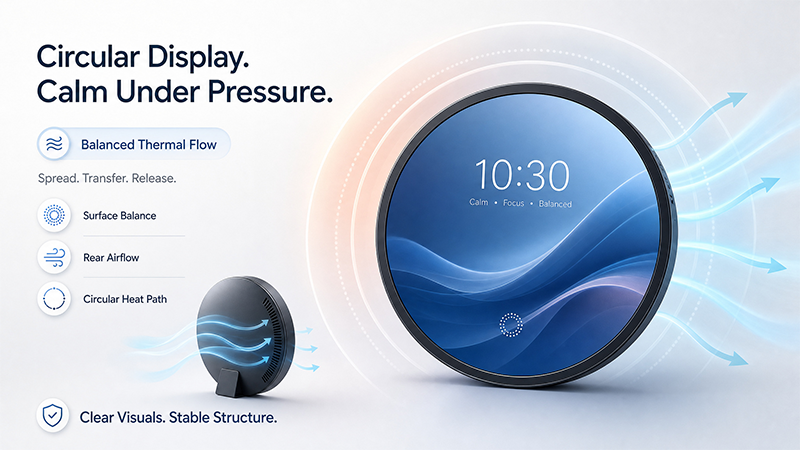
A shallow circular recess can trap heat even in an air-conditioned room. The display, Android board or external controller, power supply and cable connections all contribute to the thermal load.
Round lcd display installation planning should define where cool air enters, where warm air exits and whether decorative trim blocks either path. The enclosure drawing alone does not answer those questions.
Operating-temperature figures must be confirmed for the quoted unit and must not be treated as proof that the completed wall assembly can operate at the same limits.
Heat inside an enclosed cavity can exceed the room temperature, while direct solar load can create conditions not represented by a simple ambient figure. Ask whether the stated range applies to the panel, the electronics or the complete product.
Validate the Complete System With A Representative Sample
A sample is useful only when it represents the intended production unit. It should match the selected panel, brightness, cover glass, touch option, Android or external controller and enclosure as closely as practical.
Testing a bare panel and approving a finished product are not the same decision. The complete optical, electrical, mechanical and software stack must be reviewed.
Run content at the selected display’s native resolution through the final source. Check the circular safe area, video transitions, network publishing, touch accuracy, operating heat, scheduled restart and recovery after power loss.
Use real campaign media rather than a demo reel designed to hide difficult text and edge conditions. Record the accepted configuration in the purchase specification.
FAQ
Q: Is high brightness enough for outdoor use?
A:Not by itself. Luminance supports visibility, but outdoor operation also requires a suitable enclosure, sealing, drainage, UV and thermal design, condensation control and verified environmental performance. Confirm the complete system rather than turning a brightness value into an IP or outdoor claim.
Q: Can A Round LCD Display Play Standard 16:9 Video?
A: Yes, but the system must crop, scale or leave unused areas. Each choice changes composition and text size. Native circular content on a square source canvas usually uses the display area more effectively and gives the designer better control over the visible edge.
Q: Should The Project Use Android Or An External Media Player?
A: Use Android when integrated scheduling, local playback or network publishing fits the operating model. Use an external source when the project already depends on a managed AV system or specialist application. The correct choice is the one the maintenance team can support throughout the deployment lifecycle.